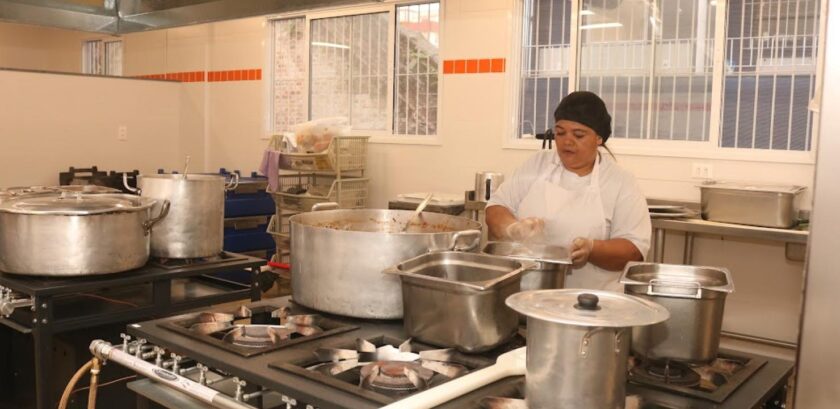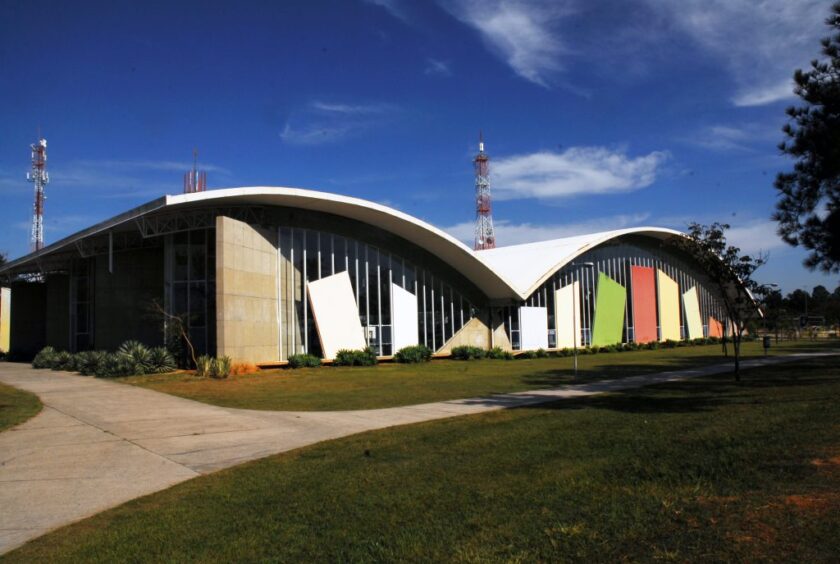


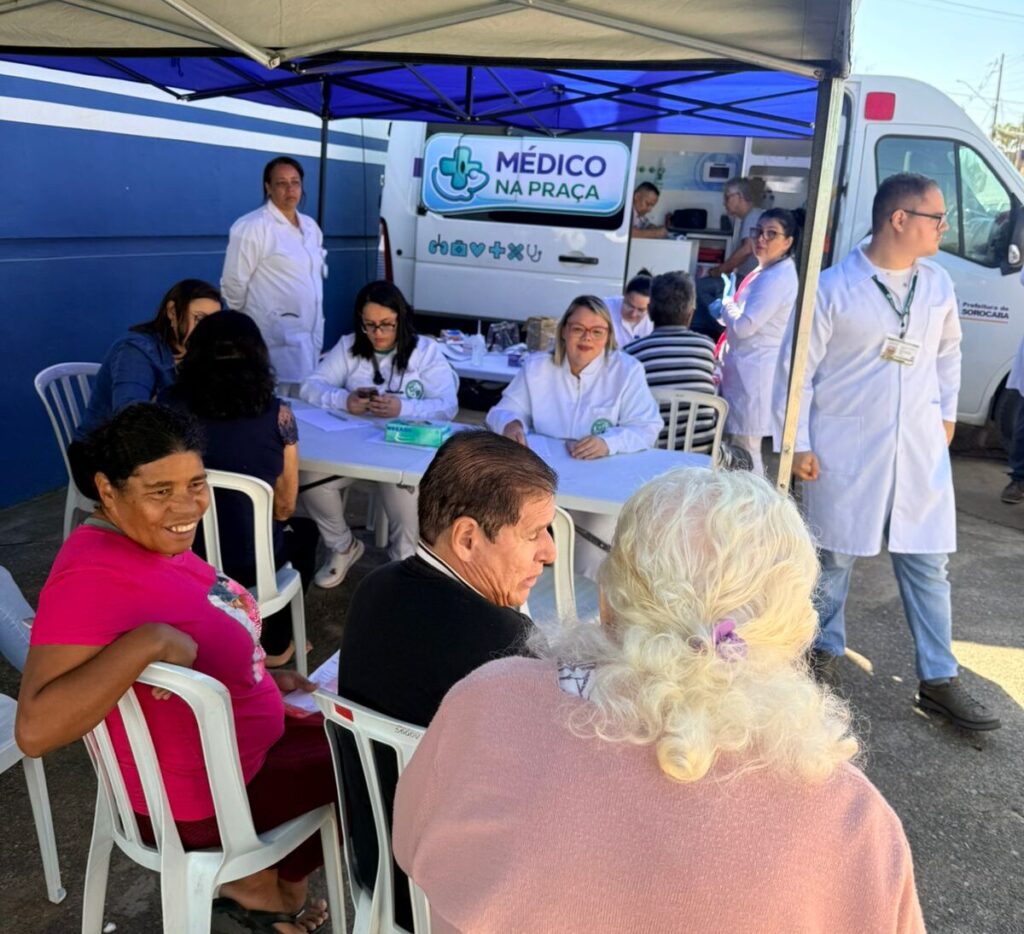
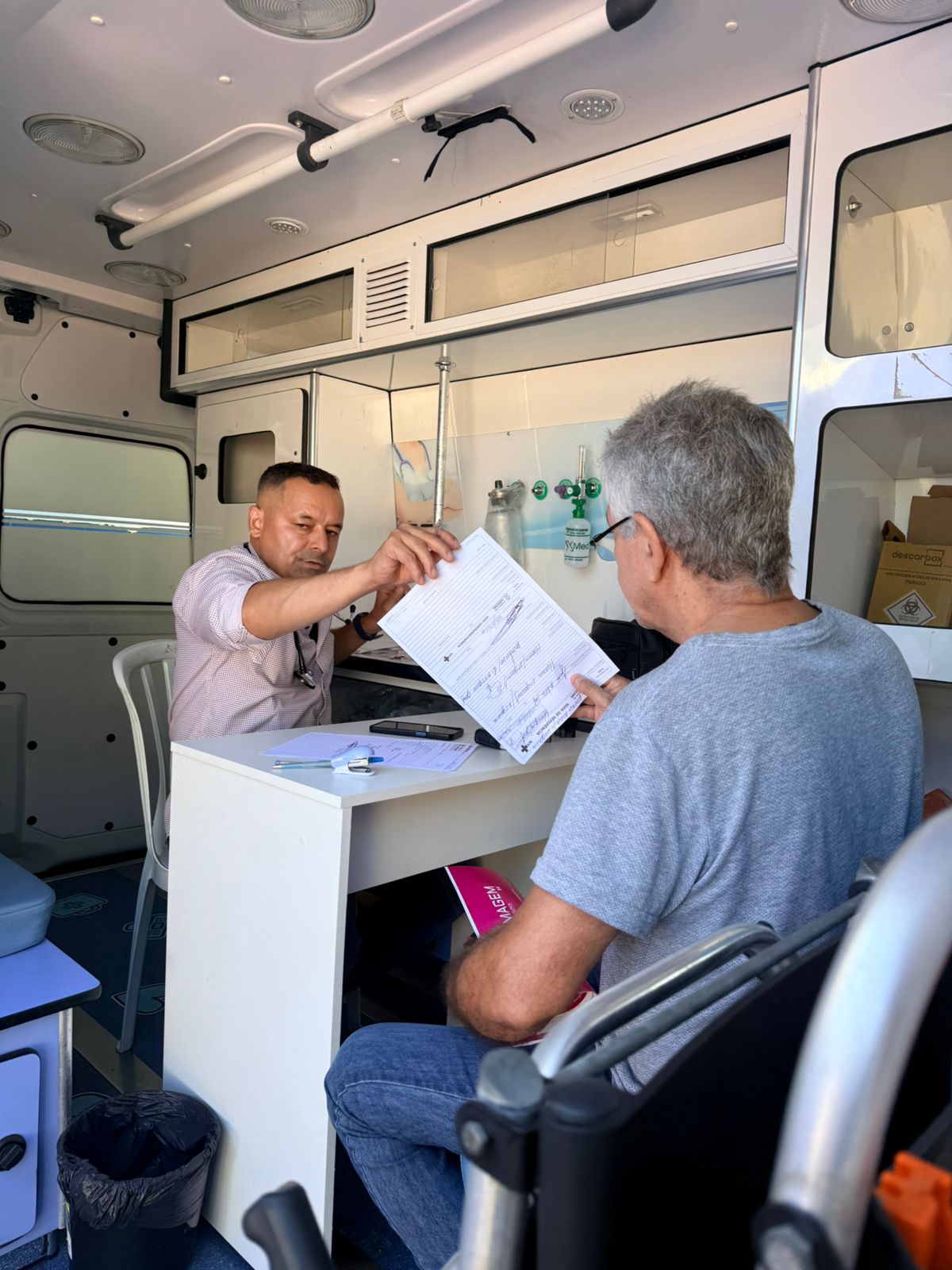
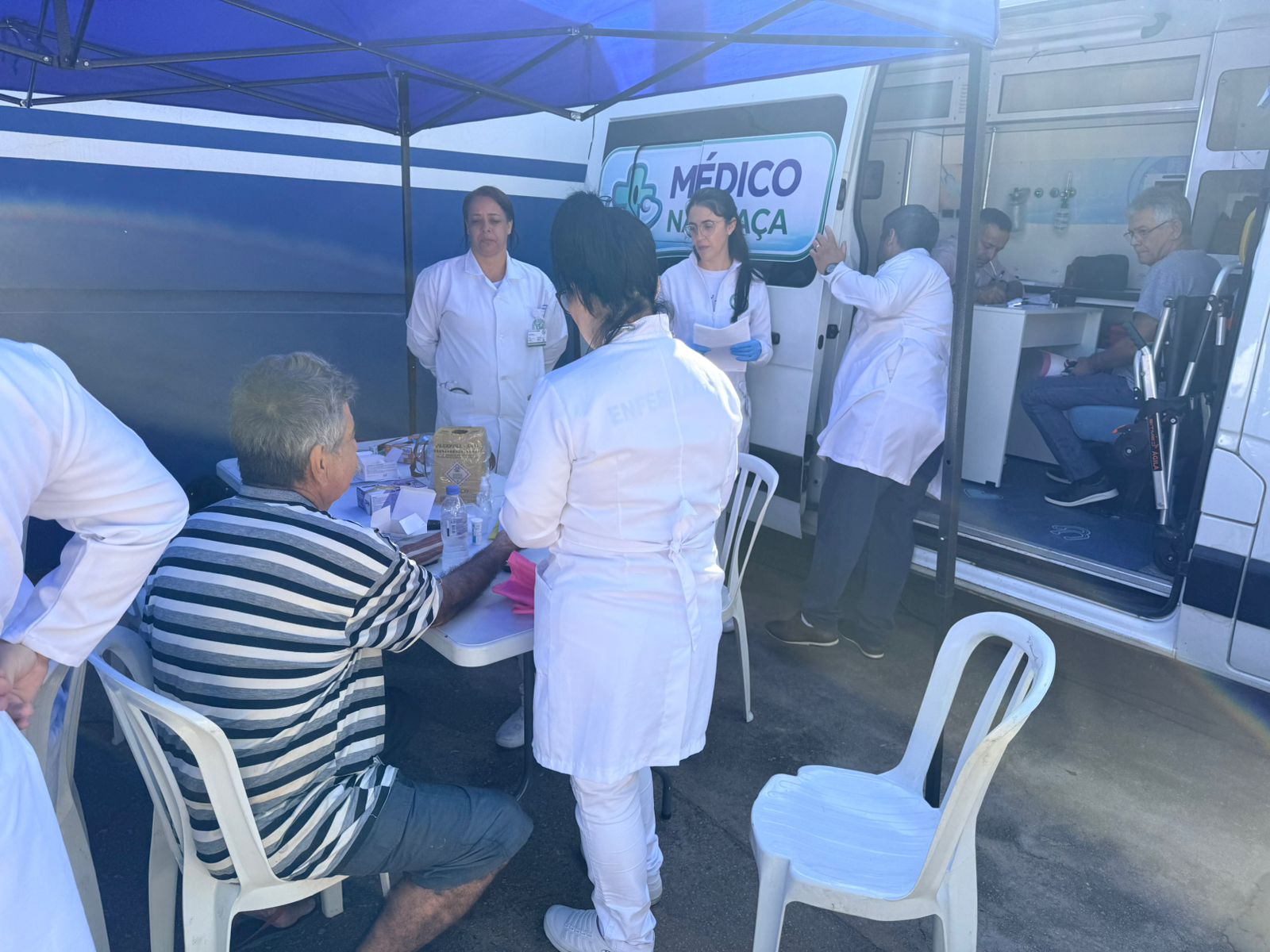
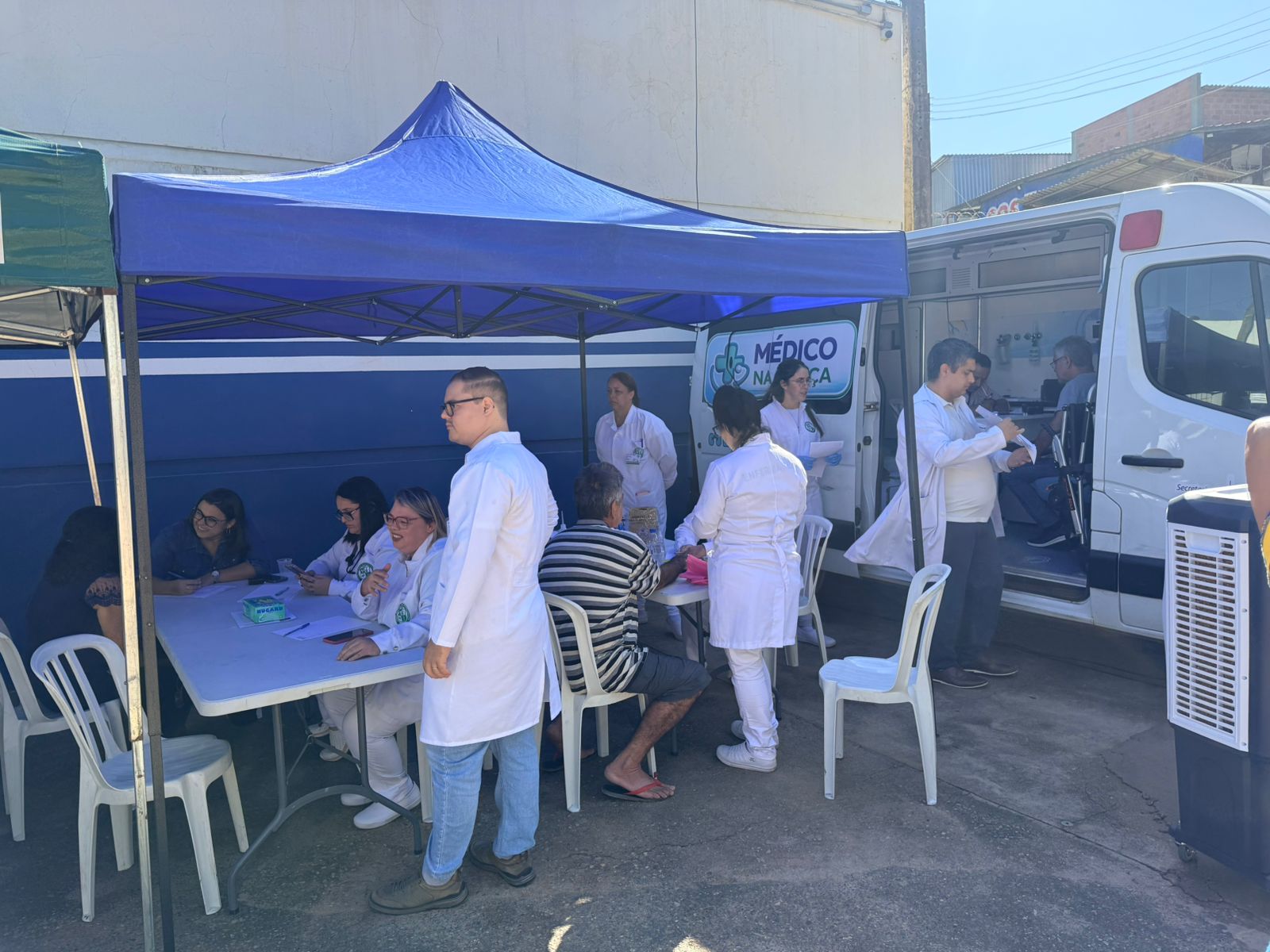
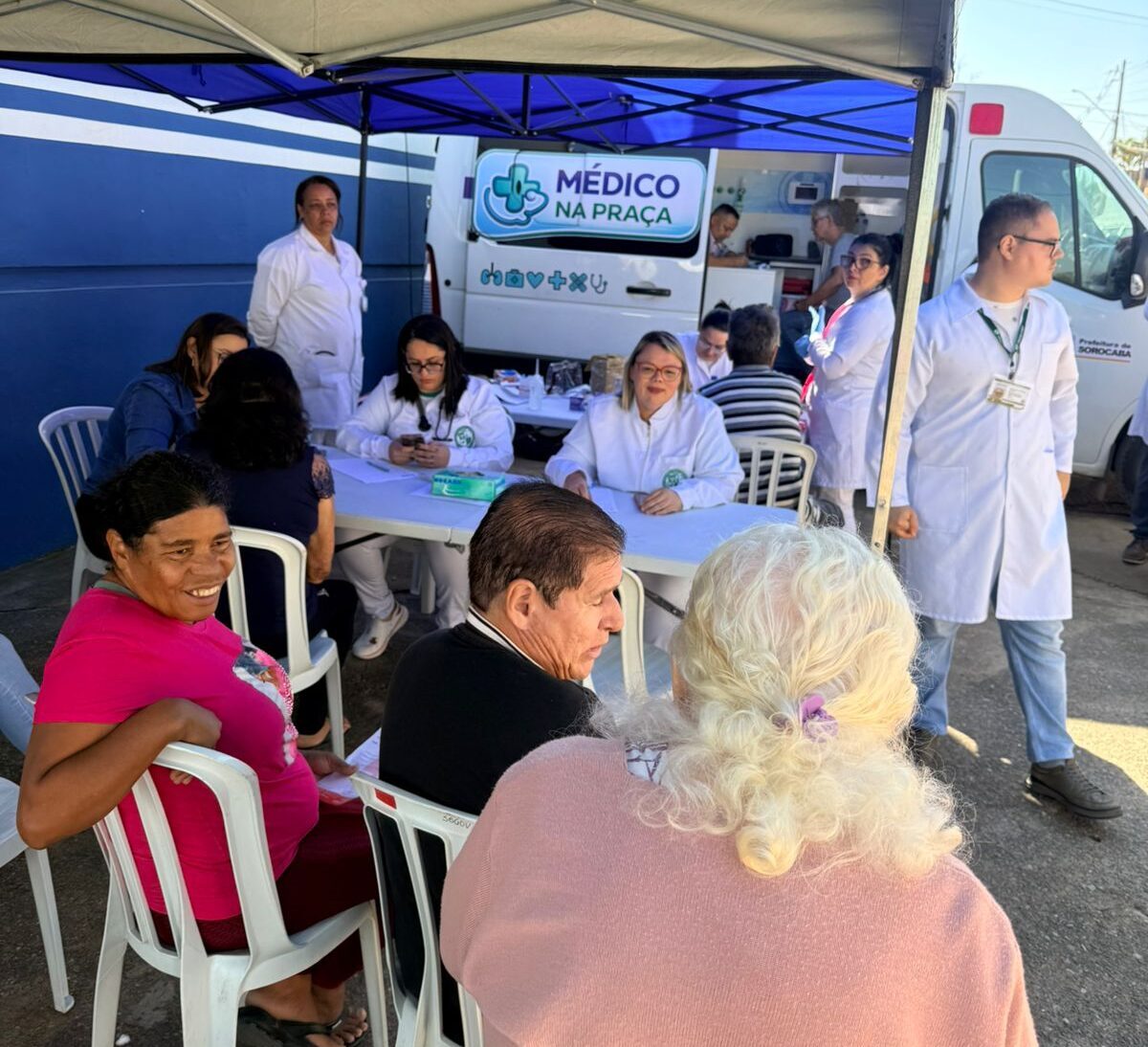
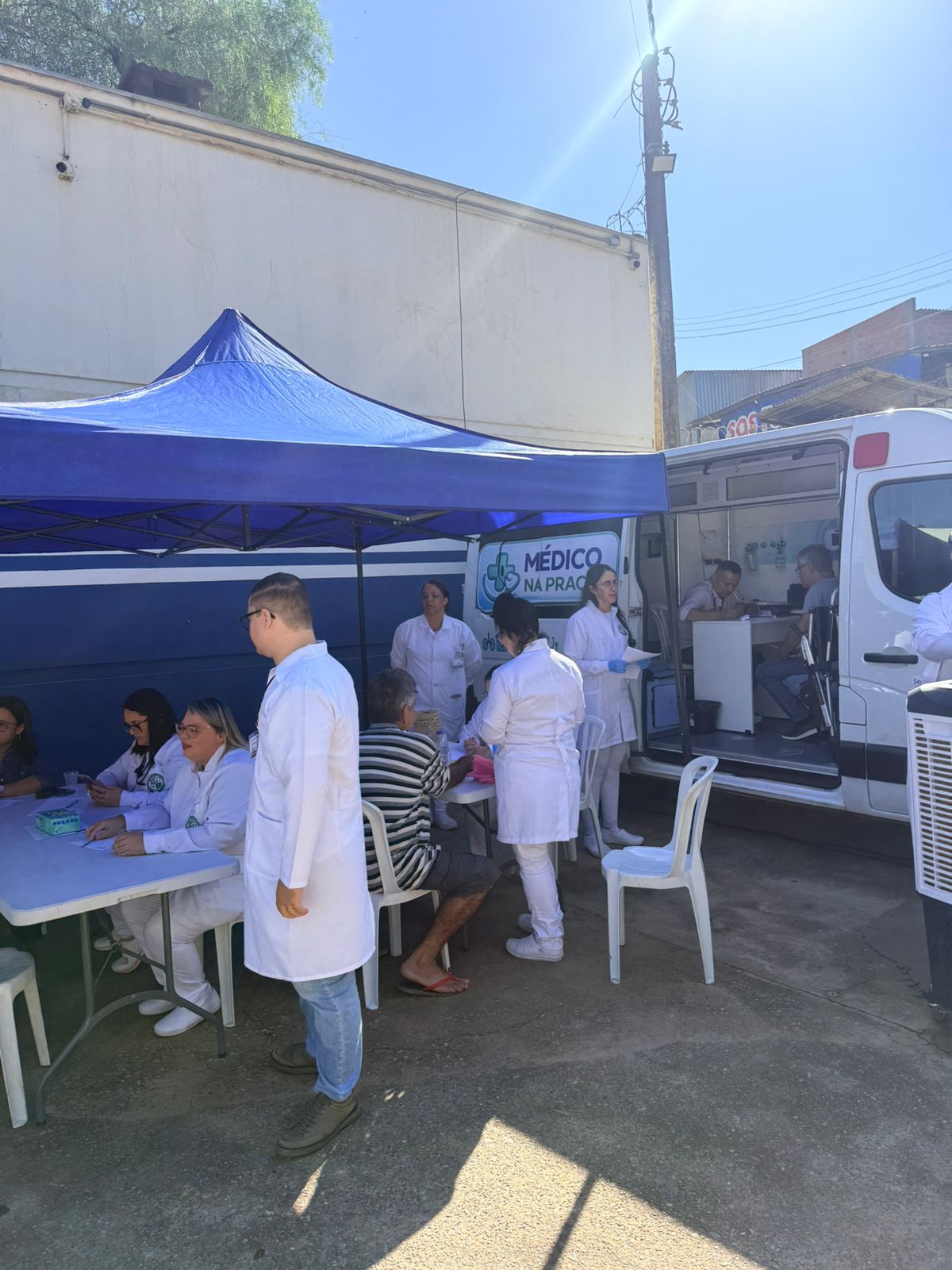
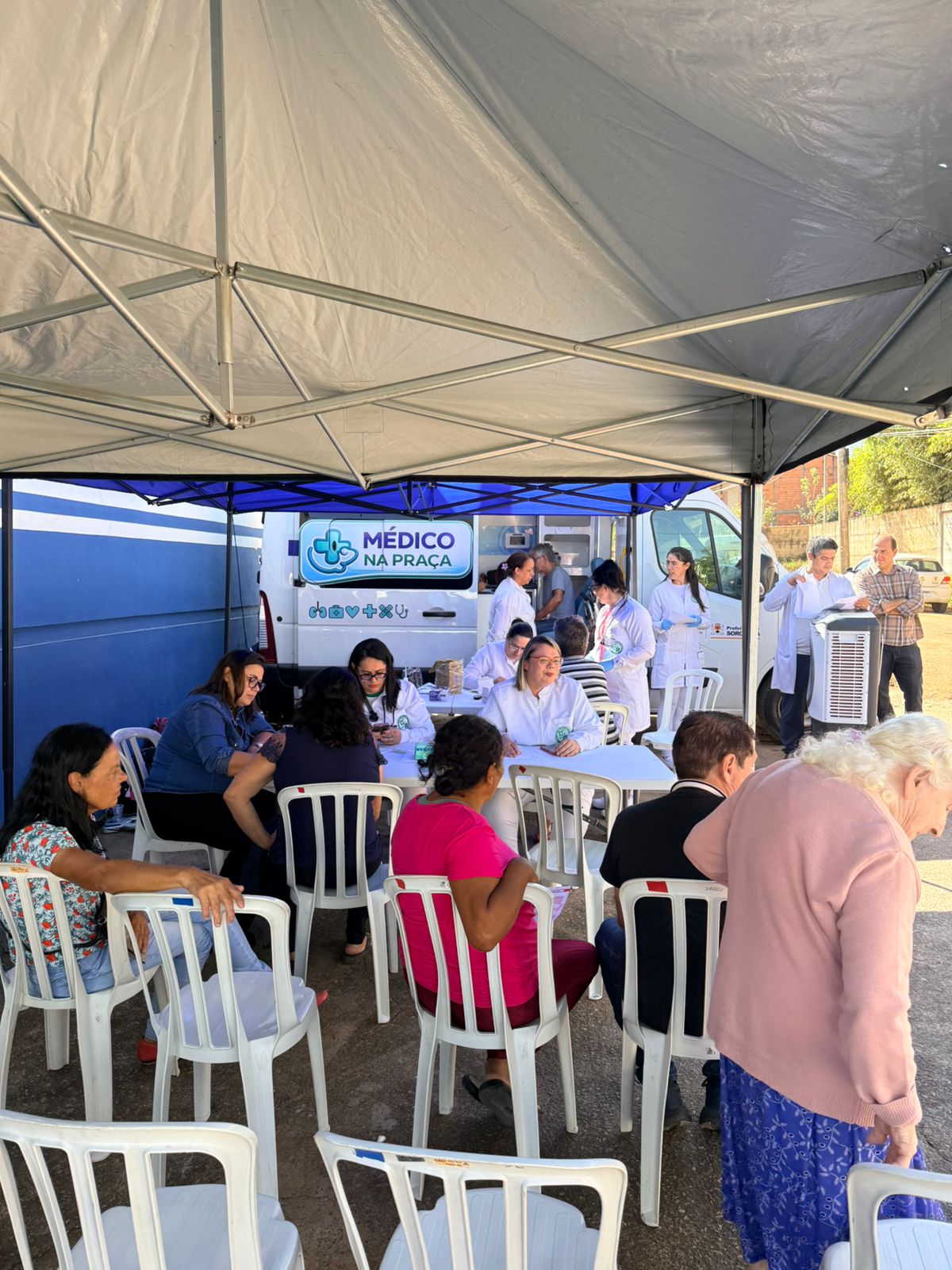
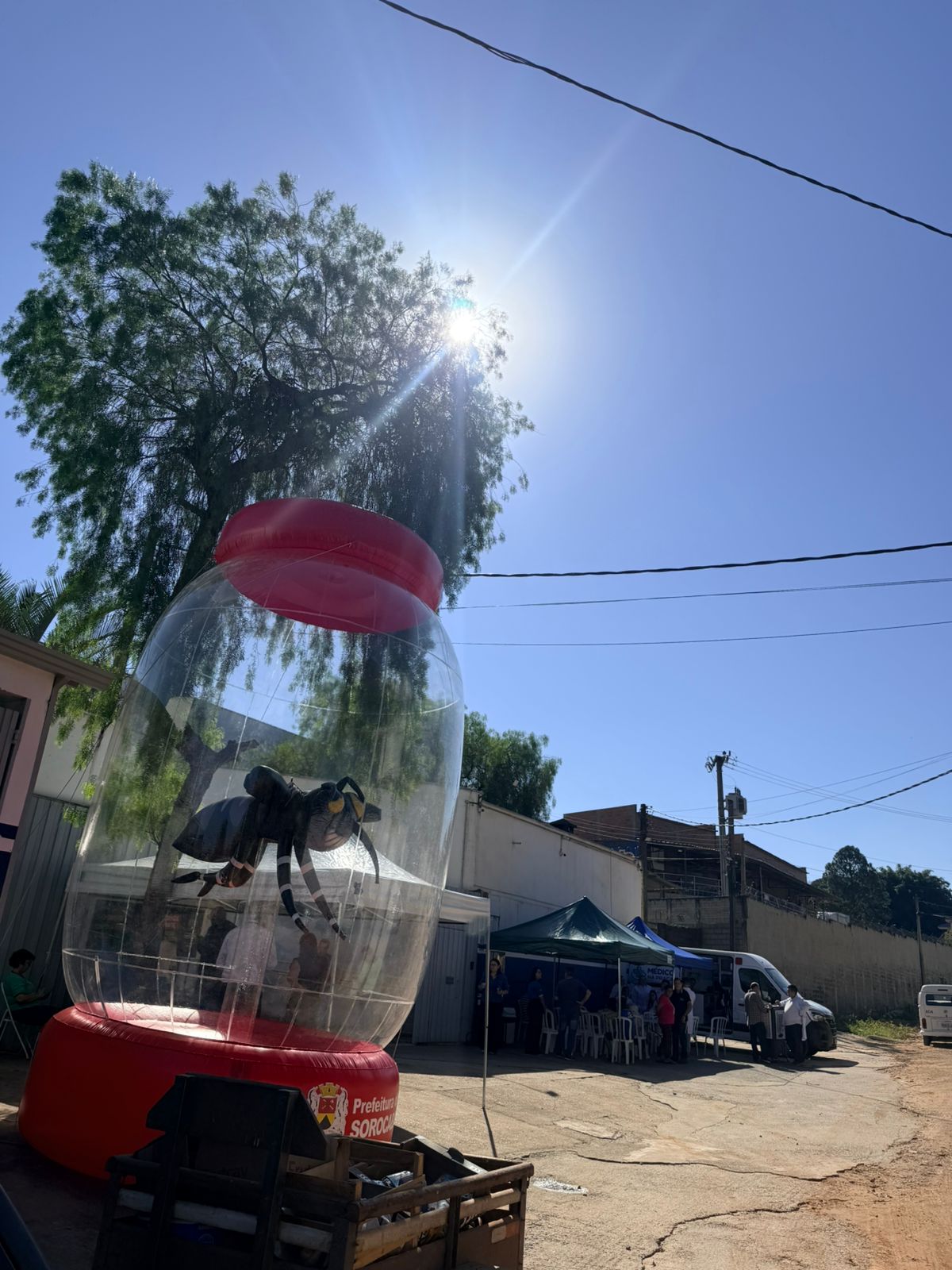
A Prefeitura de Sorocaba, por meio da Secretaria da Saúde (SES), iniciou, nesta terça-feira (5), o “Médico na Praça”. A ação conta com uma clínica móvel e estrutura para acomodação para aguardar a consulta, permitindo o acolhimento por demanda espontânea de adultos.
O atendimento no bairro Recanto Ipanema do Meio, onde foi o primeiro dia e segue com funcionamento. Amanhã (6) a estrutura estará no Paço Municipal, no Quarta com o Prefeito. É necessário apresentar documento de identificação com foto.
O atendimento visa trazer diagnóstico precoce de condições crônicas, como hipertensão e diabetes, além de fortalecer o vínculo entre a população e a rede de saúde.
A iniciativa atua como extensão da rede assistencial, sendo direcionada prioritariamente a bairros e territórios com maior vulnerabilidade social ou que apresentem barreiras geográficas que dificultem o acesso aos serviços de saúde.
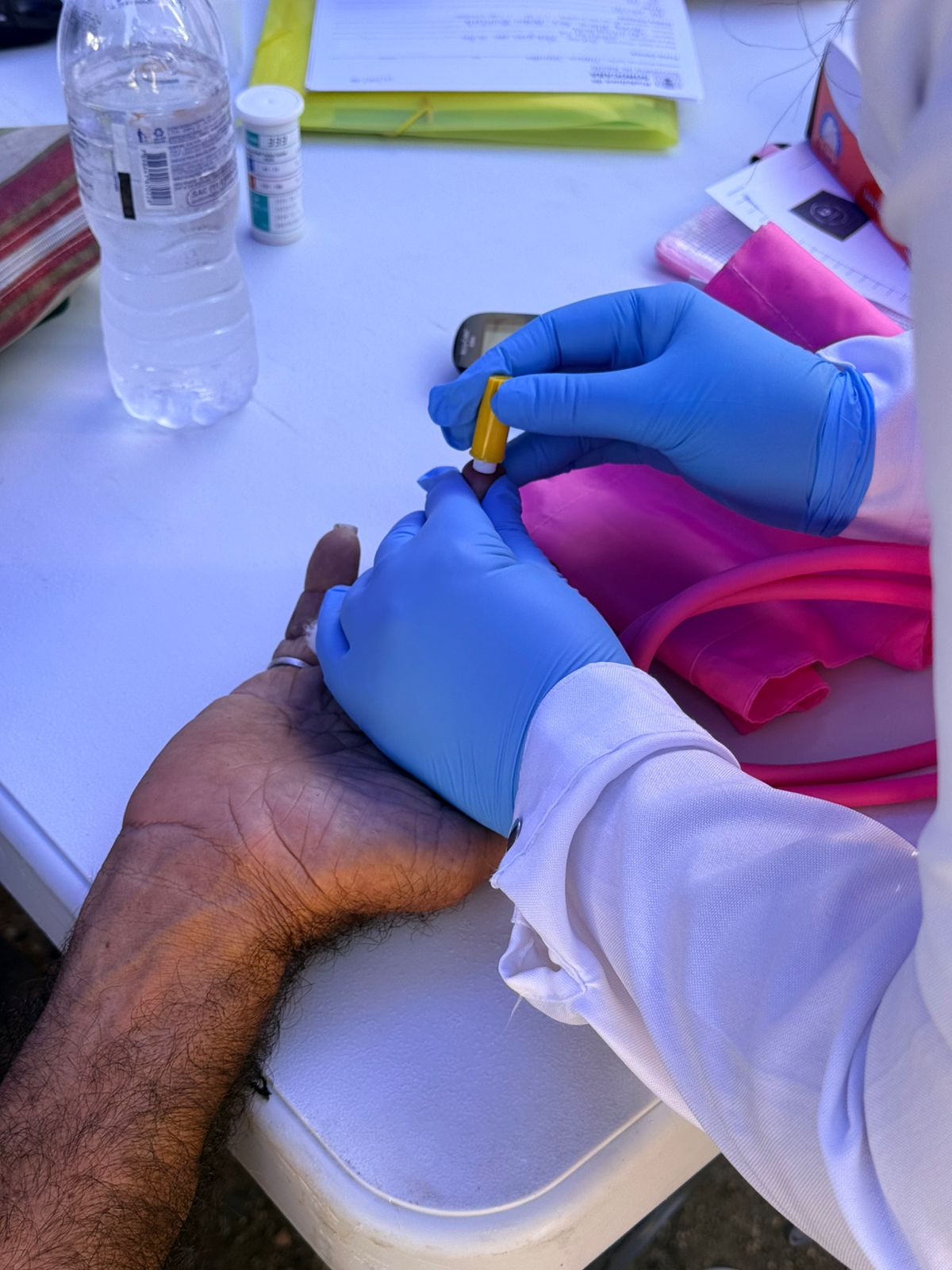
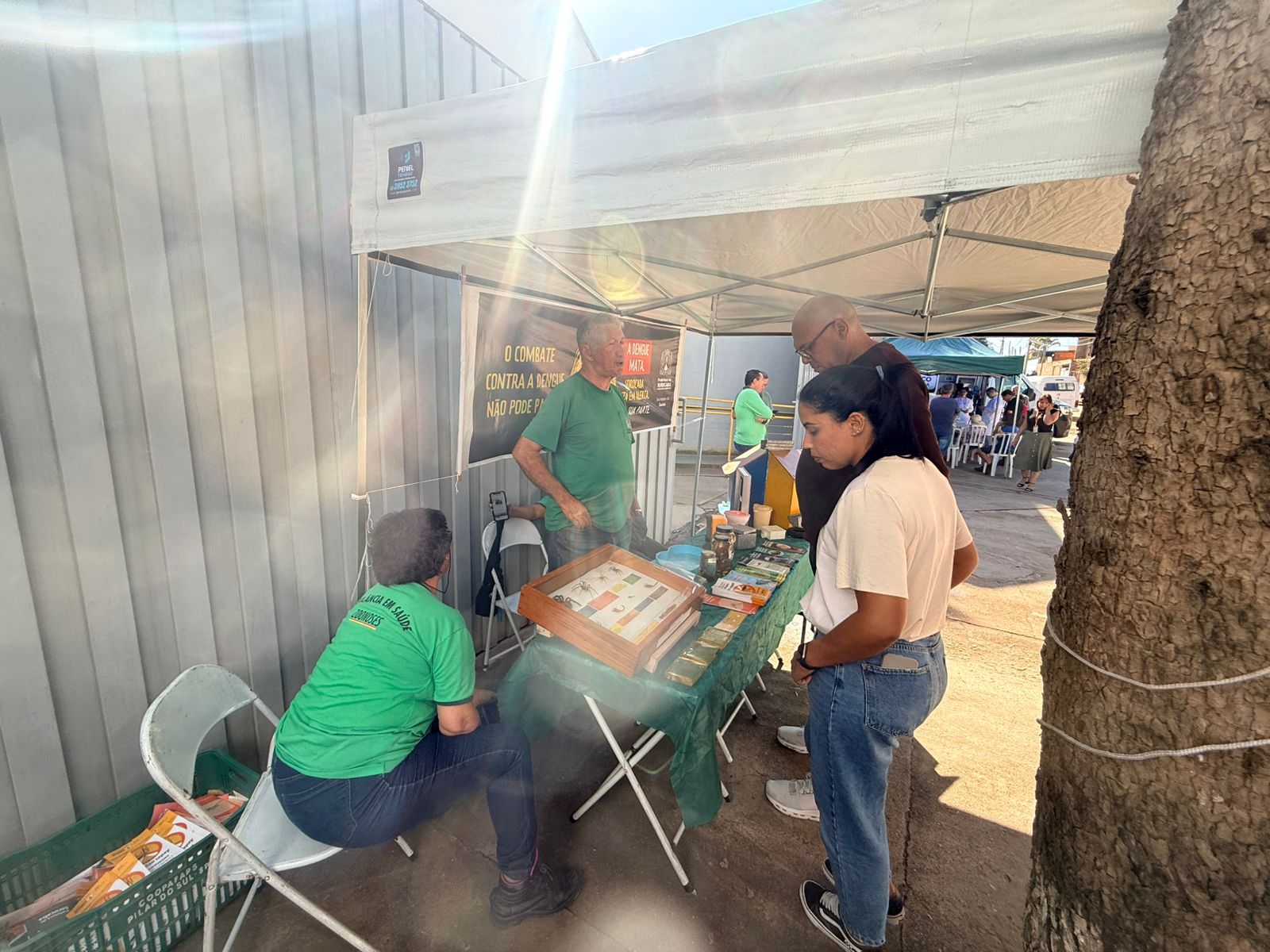
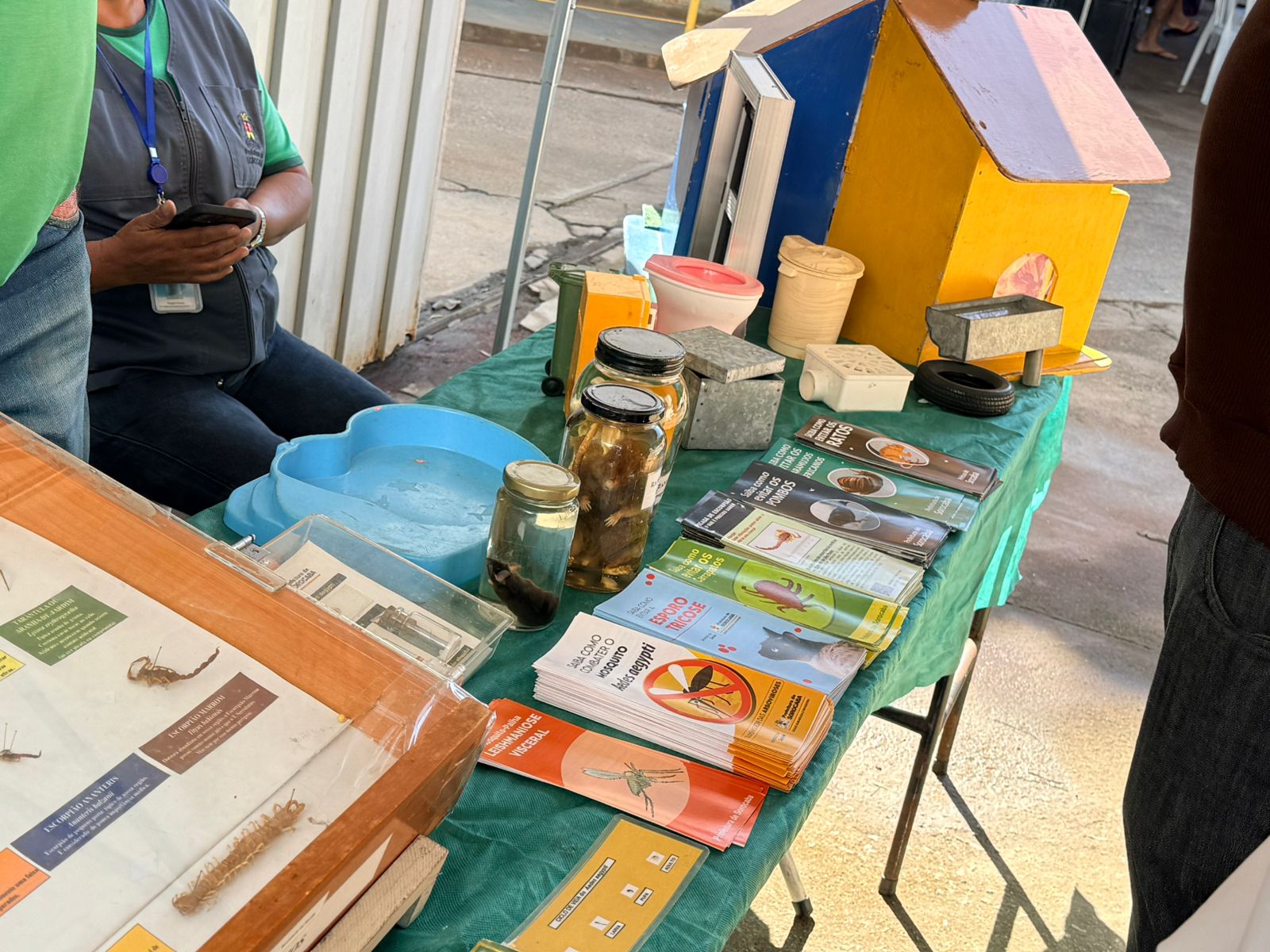
O primeiro dia do atendimento contou com ação educativa da Zoonoses e serviços de aferição de sinais vitais (pressão arterial, glicemia capilar, entre outros), atendimento de enfermagem, além da consulta médica do projeto.
Os próximos bairros serão divulgados em breve nos canais oficiais da Prefeitura de Sorocaba.
$$ = $.noConflict();
var initPhotoSwipeFromDOM = function(gallerySelector) {
// parse slide data (url, title, size …) from DOM elements
// (children of gallerySelector)
var parseThumbnailElements = function(el) {
var thumbElements = el.childNodes,
numNodes = thumbElements.length,
items = [],
figureEl,
childElements,
linkEl,
size,
item;
for(var i = 0; i < numNodes; i++) {
figureEl = thumbElements[i]; //
// include only element nodes
if(figureEl.nodeType !== 1) {
continue;
}
linkEl = figureEl.children[0]; // element
linkEl = figureEl; // element
// console.log(linkEl);
size = linkEl.getAttribute(‘data-size’).split(‘x’);
// create slide object
item = {
src: linkEl.getAttribute(‘href’),
w: parseInt(size[0], 10),
h: parseInt(size[1], 10)
};
if(figureEl.children.length > 1) {
//
item.title = figureEl.children[1].innerHTML;
}
if(linkEl.children.length > 0) {
// thumbnail element, retrieving thumbnail url
item.msrc = linkEl.children[0].getAttribute(‘src’);
}
item.el = figureEl; // save link to element for getThumbBoundsFn
items.push(item);
}
return items;
};
// find nearest parent element
var closest = function closest(el, fn) {
return el && ( fn(el) ? el : closest(el.parentNode, fn) );
};
// triggers when user clicks on thumbnail
var onThumbnailsClick = function(e) {
e = e || window.event;
e.preventDefault ? e.preventDefault() : e.returnValue = false;
var eTarget = e.target || e.srcElement;
var clickedListItem = closest(eTarget, function(el) {
return el.tagName === ‘FIGURE’;
});
clickedListItem = eTarget.parentNode;
if(!clickedListItem) {
return;
}
// find index of clicked item
var clickedGallery = clickedListItem.parentNode,
childNodes = clickedListItem.parentNode.childNodes,
numChildNodes = childNodes.length,
nodeIndex = 0,
index;
for (var i = 0; i = 0) {
openPhotoSwipe( index, clickedGallery );
}
return false;
};
// parse picture index and gallery index from URL (#&pid=1&gid=2)
var photoswipeParseHash = function() {
var hash = window.location.hash.substring(1),
params = {};
if(hash.length < 5) {
return params;
}
var vars = hash.split('&');
for (var i = 0; i < vars.length; i++) {
if(!vars[i]) {
continue;
}
var pair = vars[i].split('=');
if(pair.length getThumbBoundsFn section of docs for more info
var thumbnail = items[index].el.getElementsByTagName(‘img’)[0], // find thumbnail
pageYScroll = window.pageYOffset || document.documentElement.scrollTop,
rect = thumbnail.getBoundingClientRect();
return {x:rect.left, y:rect.top + pageYScroll, w:rect.width};
},
shareButtons: [
{id:’download’, label:’Download image’, url:”, download:true}
],
// history & focus options are disabled on CodePen
// remove these lines in real life:
historyEnabled: false,
focus: false
};
if(disableAnimation) {
options.showAnimationDuration = 0;
}
// Pass data to PhotoSwipe and initialize it
gallery = new PhotoSwipe( pswpElement, PhotoSwipeUI_Default, items, options);
gallery.init();
};
// loop through all gallery elements and bind events
var galleryElements = document.querySelectorAll( gallerySelector );
for(var i = 0, l = galleryElements.length; i 0 && hashData.gid > 0) {
openPhotoSwipe( hashData.pid – 1 , galleryElements[ hashData.gid – 1 ], true );
}
};
// execute above function
initPhotoSwipeFromDOM(‘.pms-galeria’);
// All images need to be loaded for this plugin to work so
// we end up waiting for the whole window to load in this example
$$(window).load(function () {
$$(document).ready(function(){
collage();
$$(‘.pms-galeria’).collageCaption();
});
});
// Here we apply the actual CollagePlus plugin
function collage() {
$$(‘.pms-galeria img’).css(‘display’, ‘block’);
$$(‘.pms-galeria’).removeWhitespace().collagePlus({
‘fadeSpeed’ : 2000,
‘targetHeight’ : 150,
‘effect’ : ‘default’,
‘direction’ : ‘vertical’,
‘allowPartialLastRow’ : true
});
};
// This is just for the case that the browser window is resized
var resizeTimer = null;
$$(window).bind(‘resize’, function() {
// hide all the images until we resize them
$$(‘.pms-galeria .Image_Wrapper’).css(“opacity”, 0);
// set a timer to re-apply the plugin
if (resizeTimer) clearTimeout(resizeTimer);
resizeTimer = setTimeout(collage, 200);
});
Fonte: Prefeitura de Sorocaba